








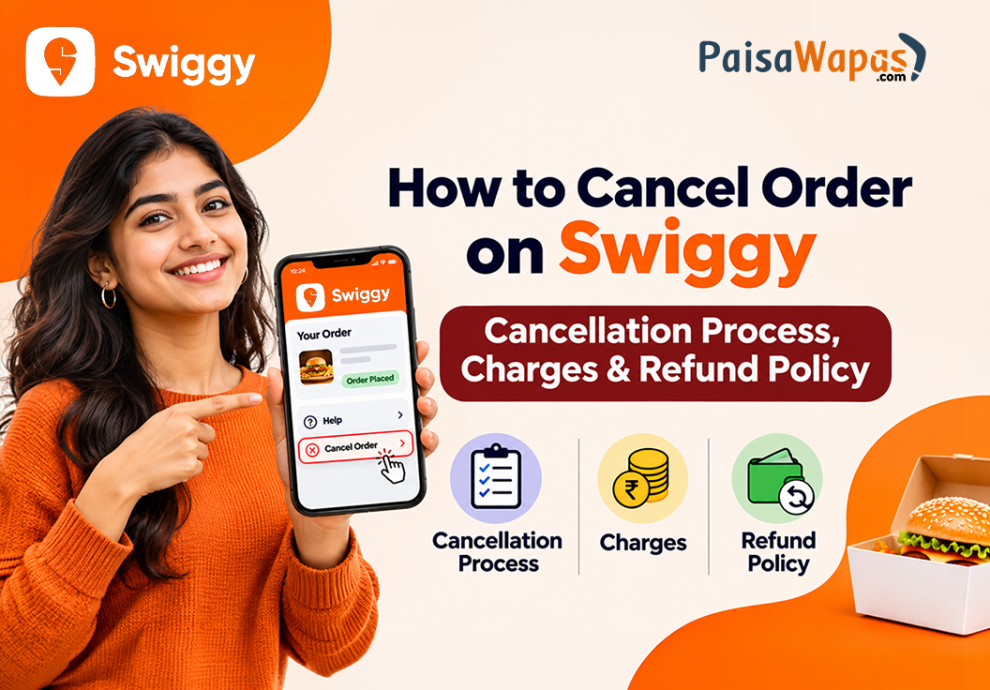

Have you placed a food order on Swiggy by mistake or changed your mind after ordering? You might be wondering how to cancel order on Swiggy and whether you’ll get your money back.
Swiggy has a specific cancellation and refund policy that customers should understand before requesting cancellation. In some cases, cancelling an order can result in a charge of up to 100% of the order value. However, different rules apply when an order is cancelled due to the restaurant, Swiggy or delivery partner.
Here’s how the cancellation process works, what charges may apply and how to check your refund status.
How to Cancel Order on Swiggy? (Quick Answer)
To request cancellation of a Swiggy food order, open the Swiggy app, go to your active order and access the Help or Support section. Select the relevant order issue and contact Swiggy’s support team to request cancellation.
However, cancellation isn’t guaranteed after placing an order. Swiggy’s official policy states that customers may be charged up to 100% of the order amount for cancelling an order.

How to Cancel Swiggy Order After Placing It?
If you’ve placed an order and want to cancel it, contact Swiggy through its in-app support as soon as possible.
Follow these steps:
- Open the Swiggy app: Launch the app on your smartphone.
- Go to your active order: Find the order you recently placed.
- Open Help or Support: Access the support section associated with your order.
- Select your issue: Choose the relevant order-related issue from the available options.
- Request cancellation: Explain that you want to cancel your order and provide the reason.
- Check the response: Follow the instructions provided by Swiggy’s support team.
Important: These steps explain how to contact support and request cancellation. They don’t guarantee that Swiggy will approve your request. The final decision depends on its applicable cancellation policy.
What Are Swiggy Cancellation Charges in 2026?
According to Swiggy’s official Refund and Cancellation Policy, customers may be charged 100% of the order amount if they cancel an order after placing it.
This means you might not receive a refund for a prepaid order.
However, there are exceptions.
| Cancellation situation | Applicable policy |
|---|---|
| Customer cancels after placing an order | Up to 100% of the order amount may be charged |
| Cancellation due to Swiggy | No cancellation penalty |
| Cancellation due to restaurant | No cancellation penalty |
| Cancellation due to delivery partner | No cancellation penalty |
| Ordered item unavailable | Refund of up to 100% may be available |
The actual refund depends on the circumstances and Swiggy’s assessment.
Therefore, check the applicable cancellation charges before proceeding.
How to Cancel Order on Blinkit
What Is Swiggy’s Order Cancellation Policy?
Swiggy’s order cancellation policy explains when an order can be cancelled and whether the customer is eligible for a refund.
Here are some important points:
1. Customer-initiated cancellation
As a general rule, customers aren’t entitled to cancel an order once it has been placed. Swiggy reserves the right to charge the full order amount.
2. Restaurant or Swiggy cancellation
If an order is cancelled for reasons attributable to Swiggy, the restaurant or delivery partner, Swiggy states that it won’t collect a cancellation penalty from the customer.
3. Unavailable food items
If an ordered item is unavailable, Swiggy will contact the customer and inform them. In this situation, the customer can cancel the entire order and may receive a refund of up to 100% of the order value.
4. Incorrect delivery details
If the customer provides an incorrect address or fails to provide the necessary delivery information, cancellation charges may apply under Swiggy’s policy.
How to Get a Refund After Cancelling a Swiggy Order?
Getting a refund after cancelling a Swiggy order depends on the reason for cancellation and the applicable policy.
If your order qualifies for a refund, Swiggy processes it according to the payment method and refund mechanism.
Swiggy Refund Timeline
According to Swiggy’s official refund policy, the estimated refund timelines are:
| Payment method | Estimated refund time |
|---|---|
| UPI | 5–7 business days |
| Debit/Credit Card | 5–7 business days |
| Net Banking | 5–7 business days |
| Amazon Pay Wallet | 5–7 business days |
| PhonePe Wallet | 5–7 business days |
| Paytm/Mobikwik/Freecharge Wallet | 2 hours |
| LazyPay | 2 hours |
| Sodexo | 5–7 business days |
These timelines apply to eligible refunds and may vary depending on the payment mechanism.
Note: If you paid online and your cancellation request is subject to a cancellation charge, Swiggy may deduct the applicable amount from your refund.
How to Contact Swiggy Customer Support for Order Cancellation?
If you’re unable to find a suitable cancellation option, contact Swiggy through its official in-app support.
Here’s what you should know:
- Open the Swiggy app.
- Navigate to the relevant order.
- Open the Help section.
- Select the appropriate issue.
- Follow the available support instructions.
Swiggy states on its official Customer Care page that it provides 24/7 in-app support and does not have an official customer care phone line.
Safety tip: Don’t trust random customer care numbers found on websites or social media. Never share your UPI PIN, OTP, CVV or banking details with anyone claiming to be a Swiggy representative.
Frequently Asked Questions About Swiggy Order Cancellation
Q. Can I cancel my Swiggy order after placing it?
You can contact Swiggy through in-app support to request cancellation. However, its general policy states that customers aren’t entitled to cancel an order once placed, and charges may apply.
Q. How much does Swiggy charge for cancelling an order?
Swiggy reserves the right to charge 100% of the order amount for customer-initiated cancellations after placing an order.
Q. Does Swiggy refund money after order cancellation?
Refunds depend on the reason for cancellation and the applicable policy. Customers who meet the refund conditions may receive a full or partial refund
Q. How to cancel food order in Swiggy?
Open your active order in the Swiggy app, navigate to Help or Support and request cancellation through the available support options.
Q. What happens if Swiggy cancels my order?
If cancellation is due to reasons attributable to Swiggy, the restaurant or delivery partner, Swiggy states that it won’t collect a cancellation penalty. Eligible refunds may be provided.
Q. How long does Swiggy take to refund cancelled orders?
For most listed payment methods, the estimated refund time is 5–7 business days. Some wallet payments have an estimated refund time of two hours.
Conclusion
Cancelling a Swiggy order isn’t always free. According to Swiggy’s official cancellation policy, customers may be charged up to 100% of the order amount when they cancel after placing it.
If you need to cancel an order, contact Swiggy through its in-app support and check the applicable charges before proceeding. Also, review the refund conditions to understand whether you’re eligible to receive your money back.




Add Comment